> For the complete documentation index, see [llms.txt](https://ritrek.gitbook.io/ritrek-docs/llms.txt). Markdown versions of documentation pages are available by appending `.md` to page URLs; this page is available as [Markdown](https://ritrek.gitbook.io/ritrek-docs/trezor-from-passphrase-wallet-to-standard-wallet/creating-a-receive-address-on-the-standard-wallet.md).
# Creating a Receive address on the standard wallet
We want to create a Timelock Recovery plan that transfers the Bitcoin from the passphrase wallet to the standard wallet. To do this, we first need to create an address in the standard wallet. When the recovery plan is initiated, the Bitcoin will be sent to this address.
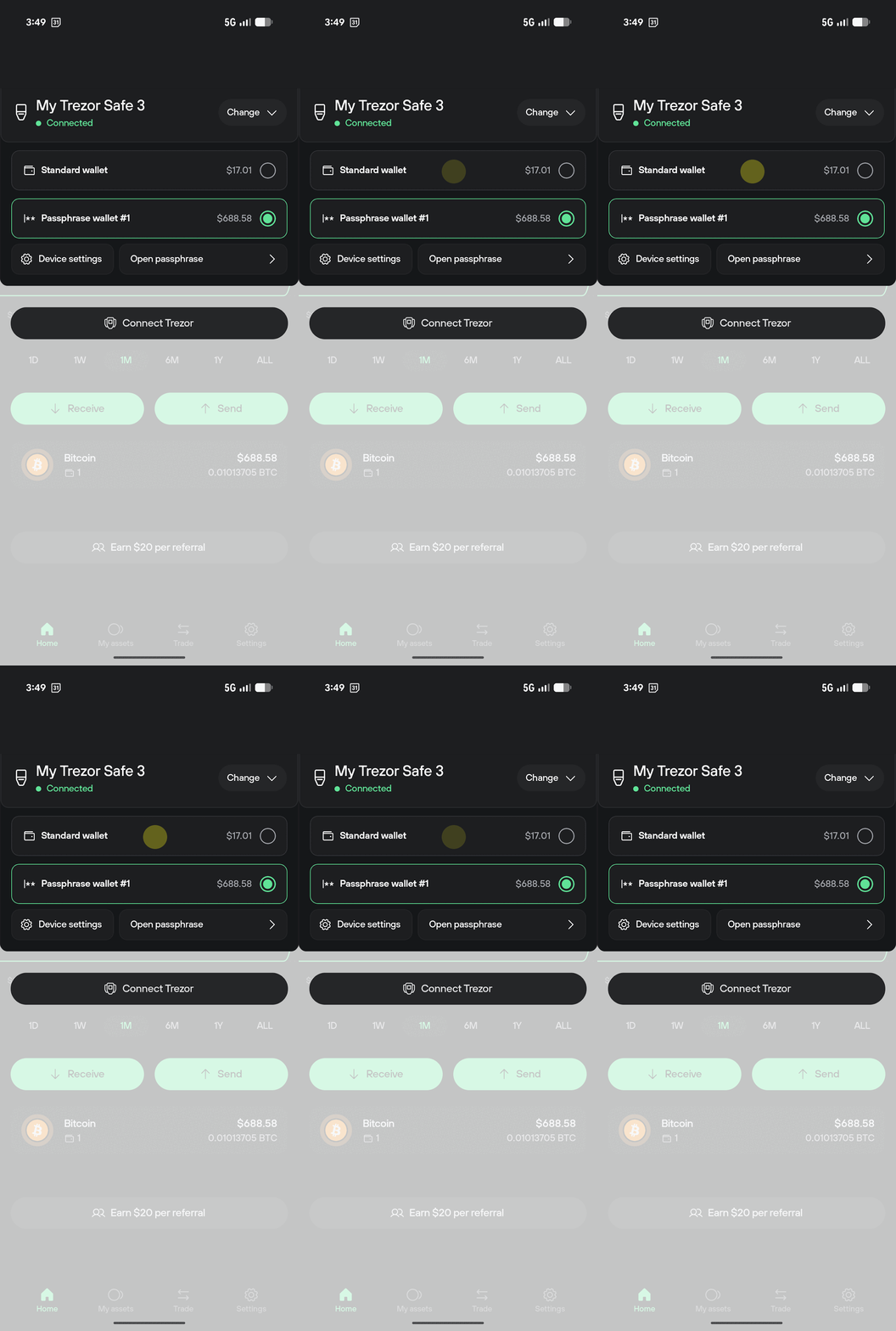
By clicking the top-right arrows, we can switch to the Standard wallet:
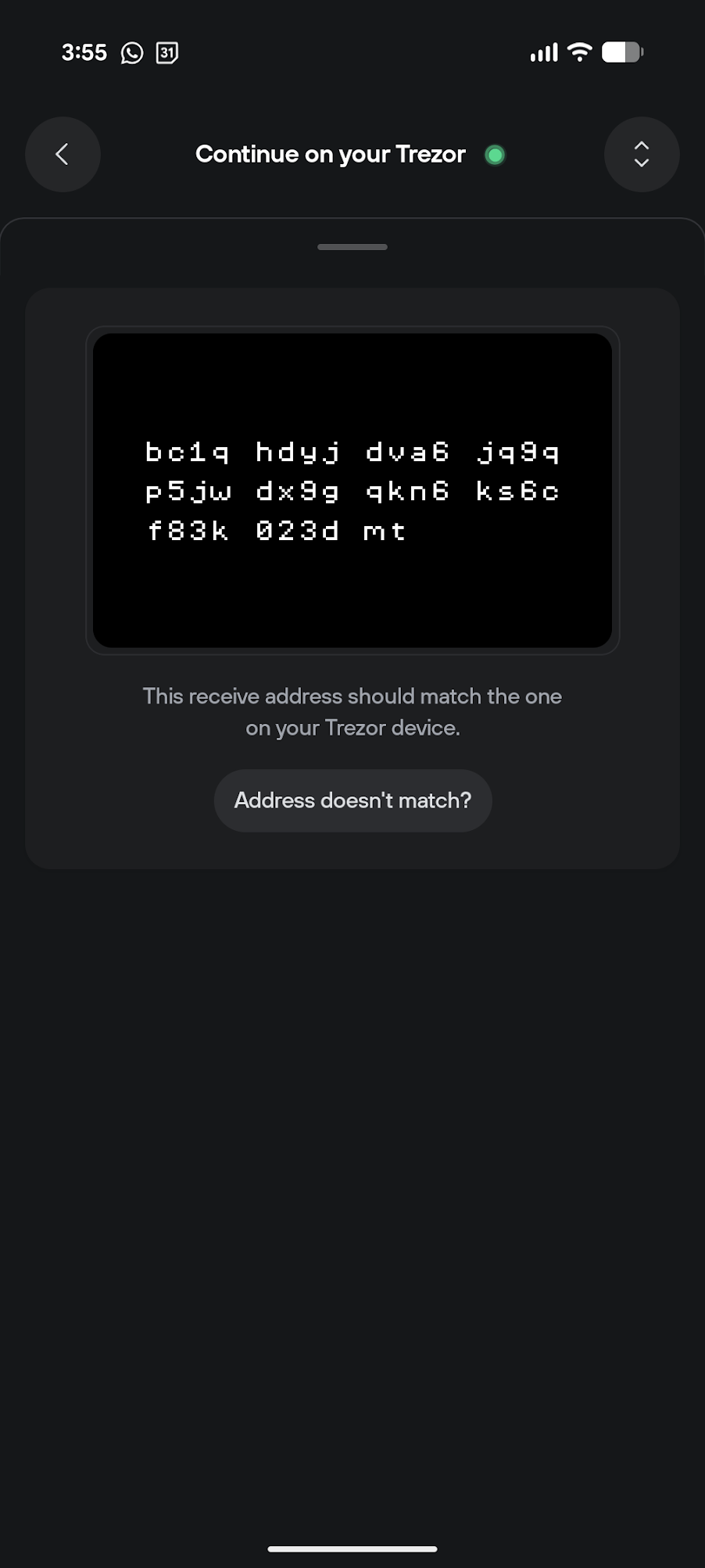
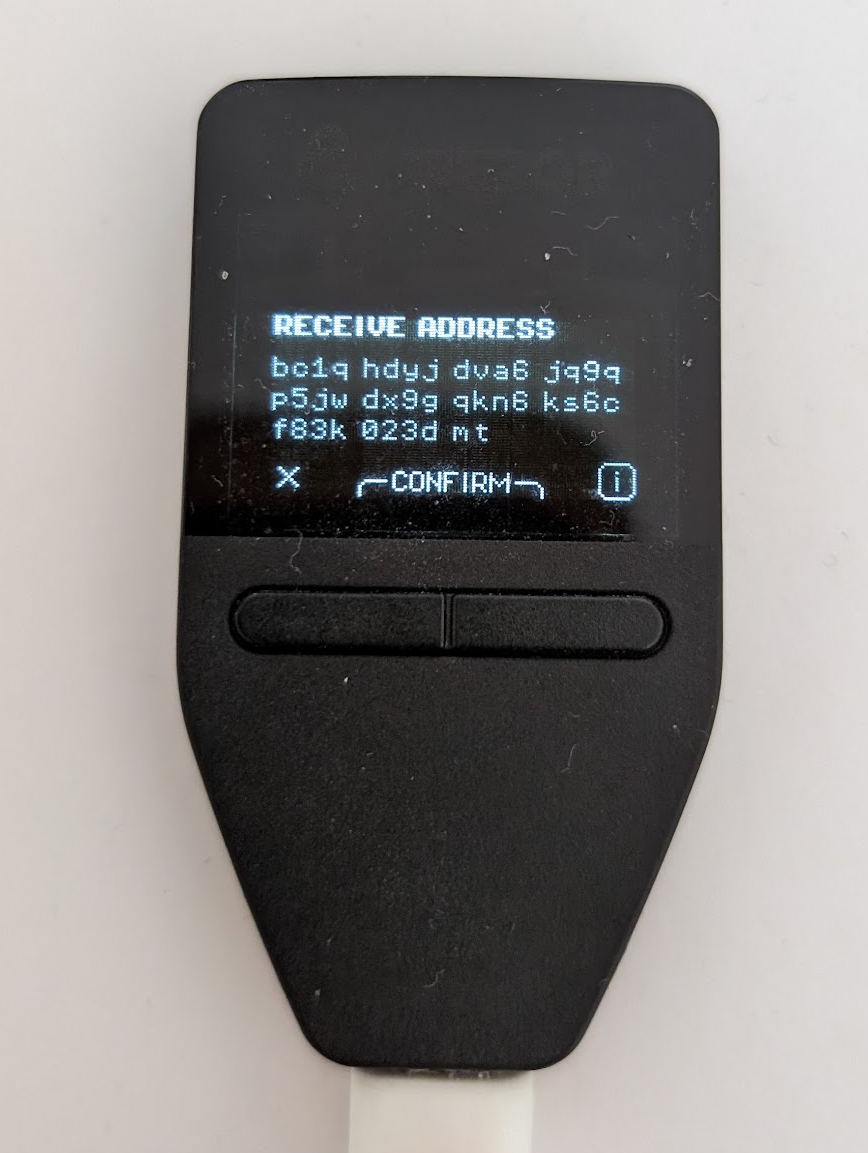
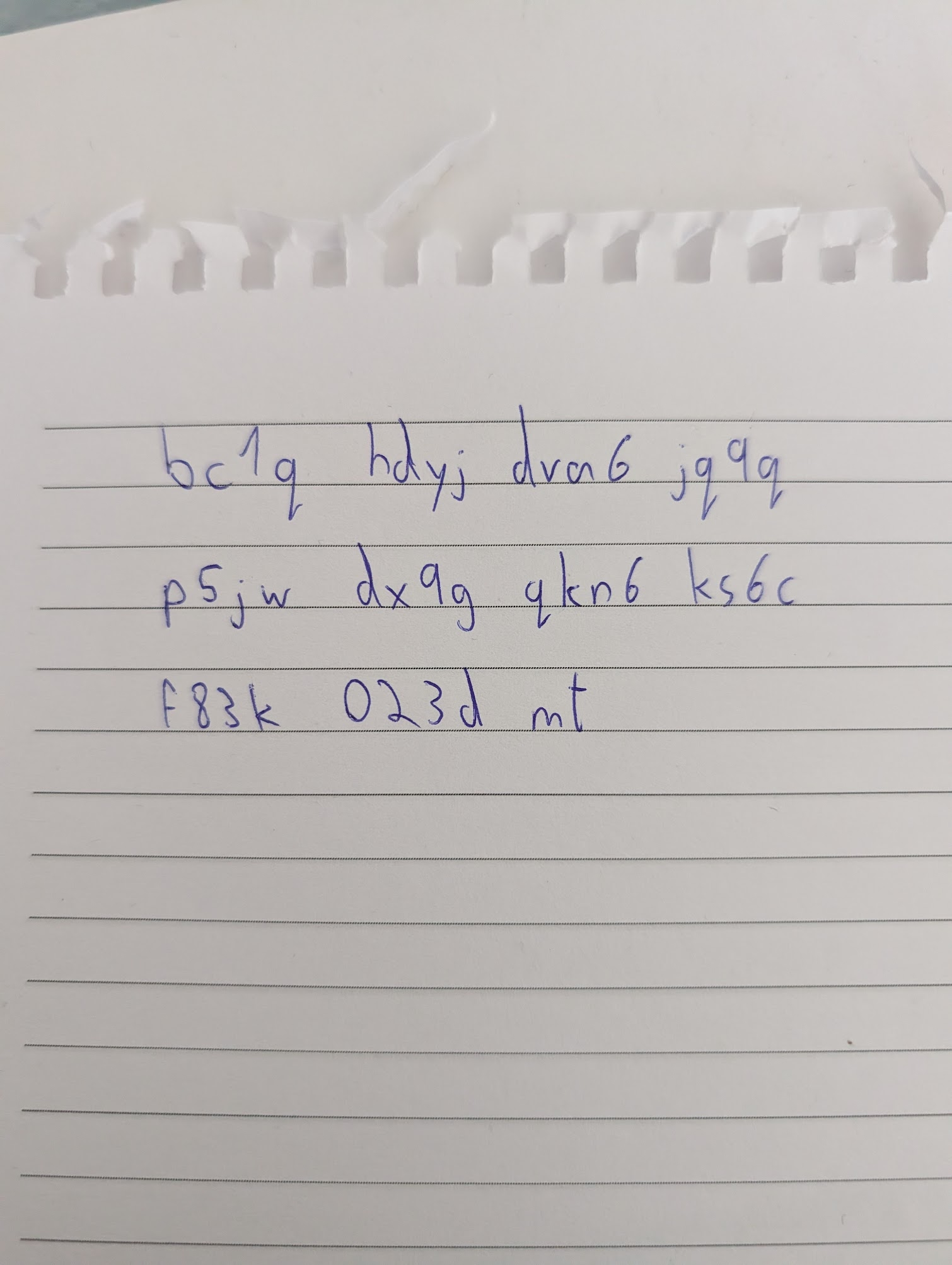
Then click the **Receive** button and verify the Bitcoin address on the device. Copy the address to the clipboard and also write it down. This gives us an extra way to verify that the address has not changed when we paste it into the RITREK app later.